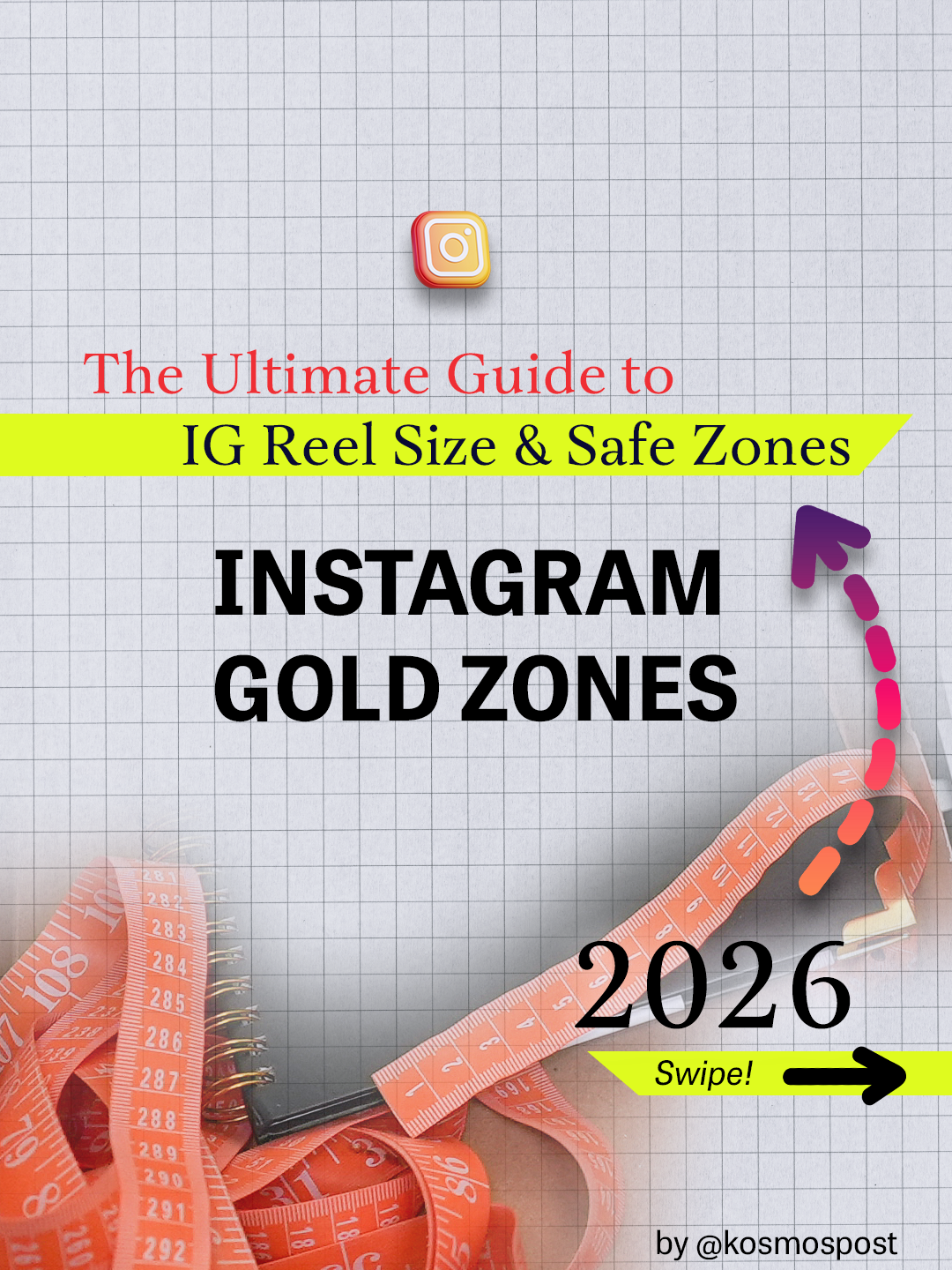
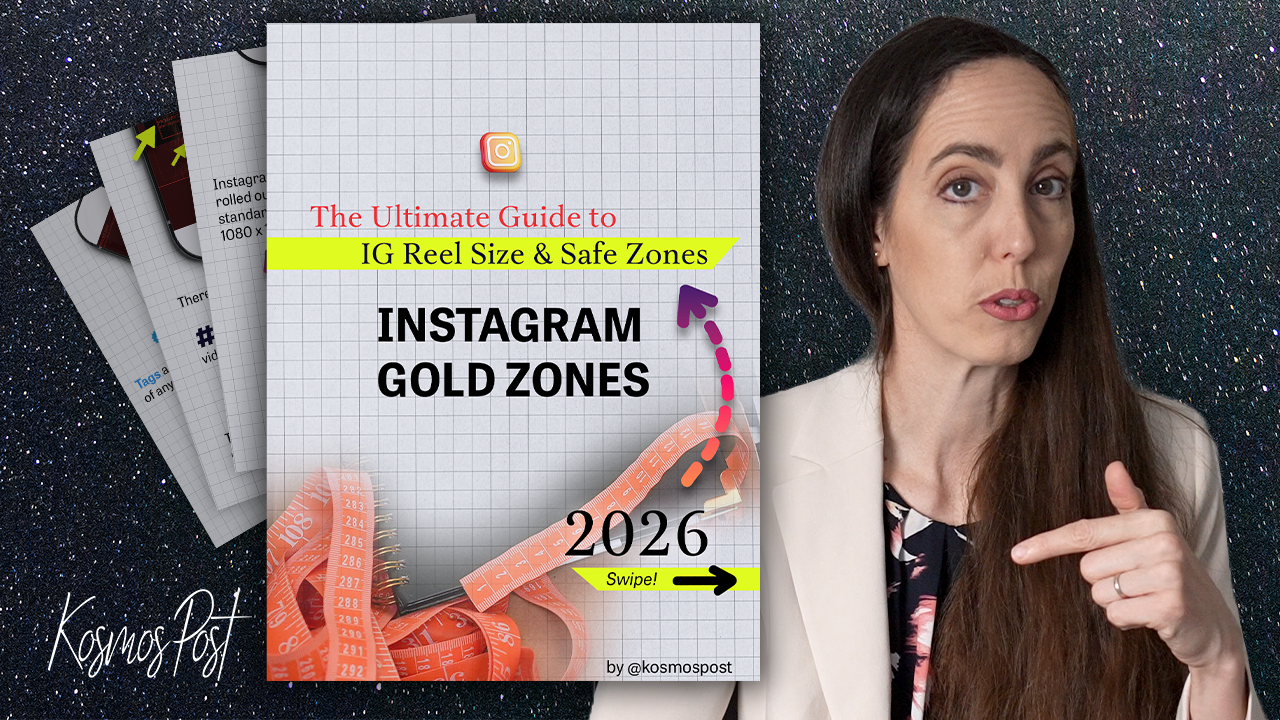
🎉 Welcome to your new favorite template: Instagram Gold Zones ⚡

How to Use Your New Template
Step #1: Check your email for a message from hello@kosmospost.com. The subject line will be "Instagram Gold Zones: Welcome!" If you don't see it, check your spam folder.
Step #2: Inside that email, click "Confirm your subscription," and the template will open in a new tab.
Step #3: Save the template to your computer.
Step #4: Import it into your video or thumbnail project. (Compatible with all editing software)
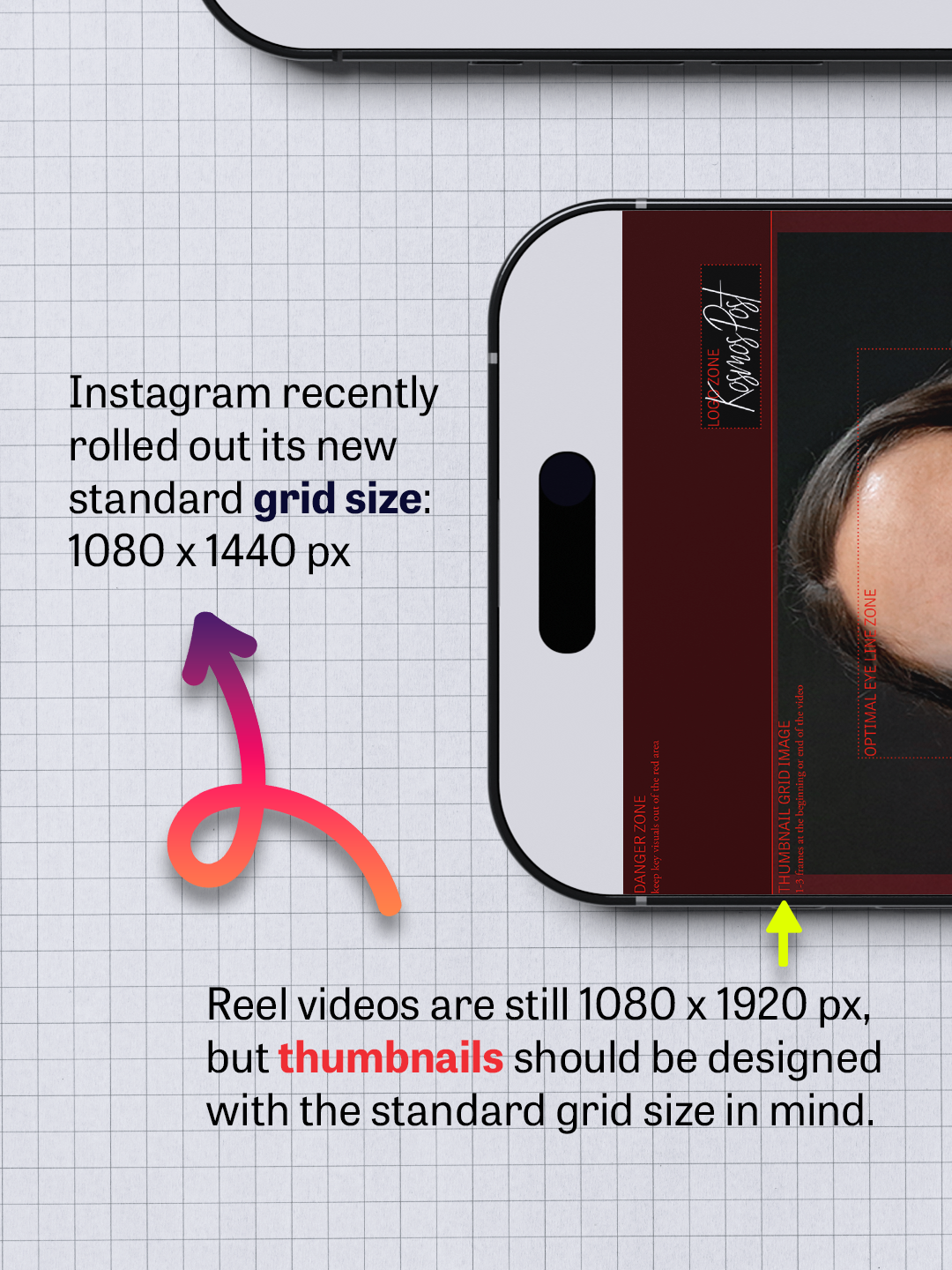
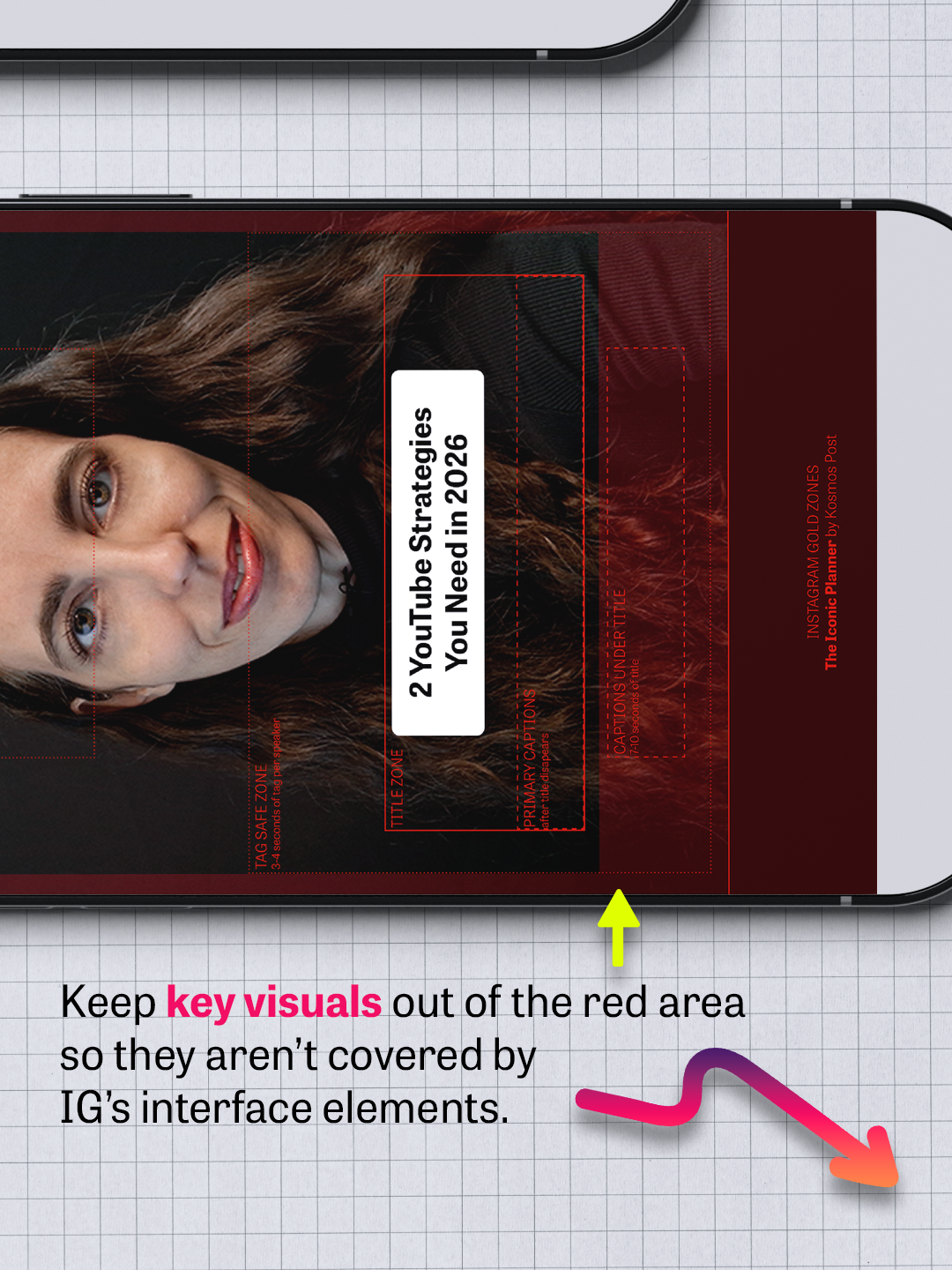
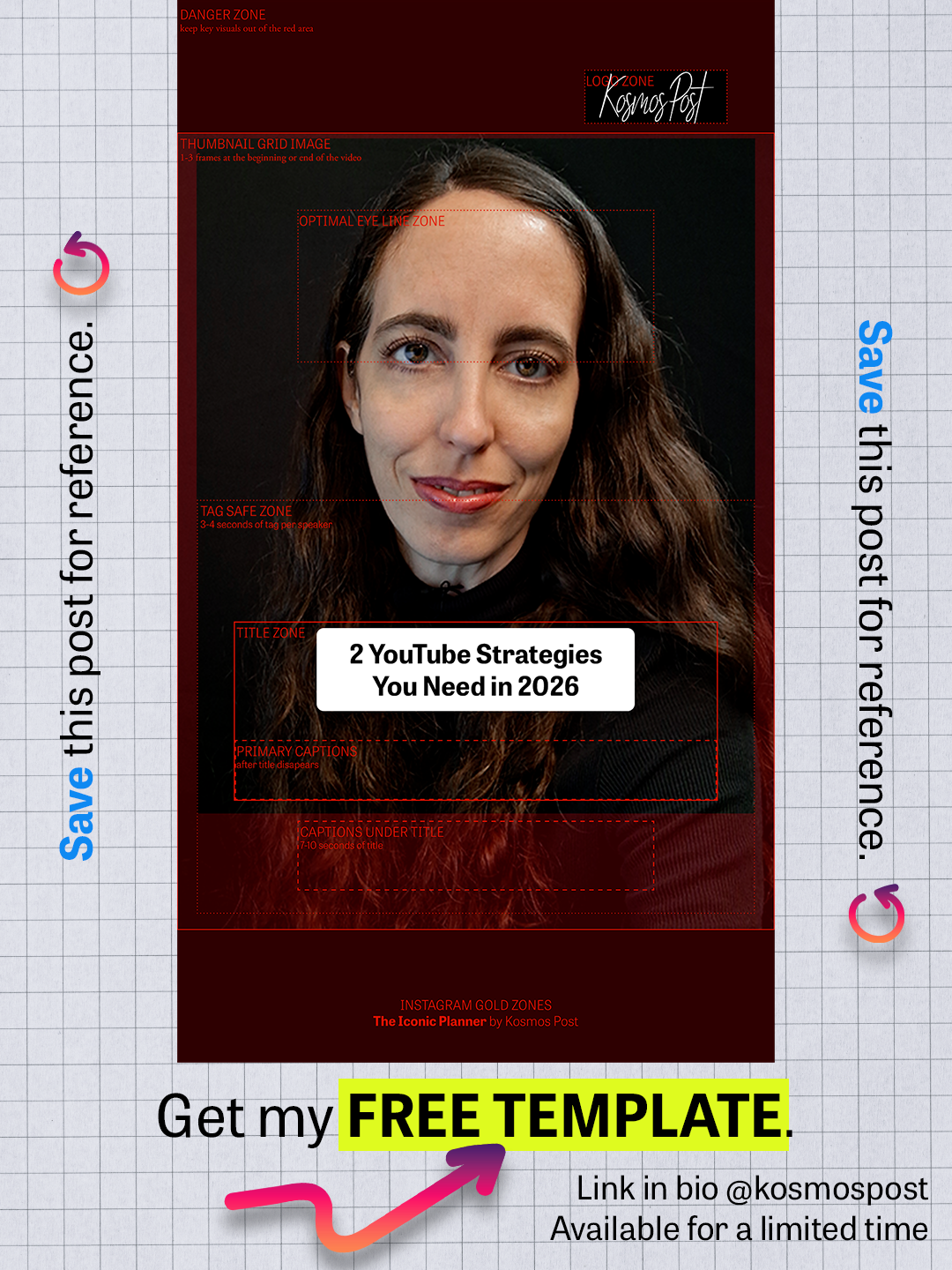
Step #5: Drag and drop it on the layer above your footage in the timeline. (This template is 1080 x1920 px. If your video is a different size, you'll need to resize the template accordingly.)
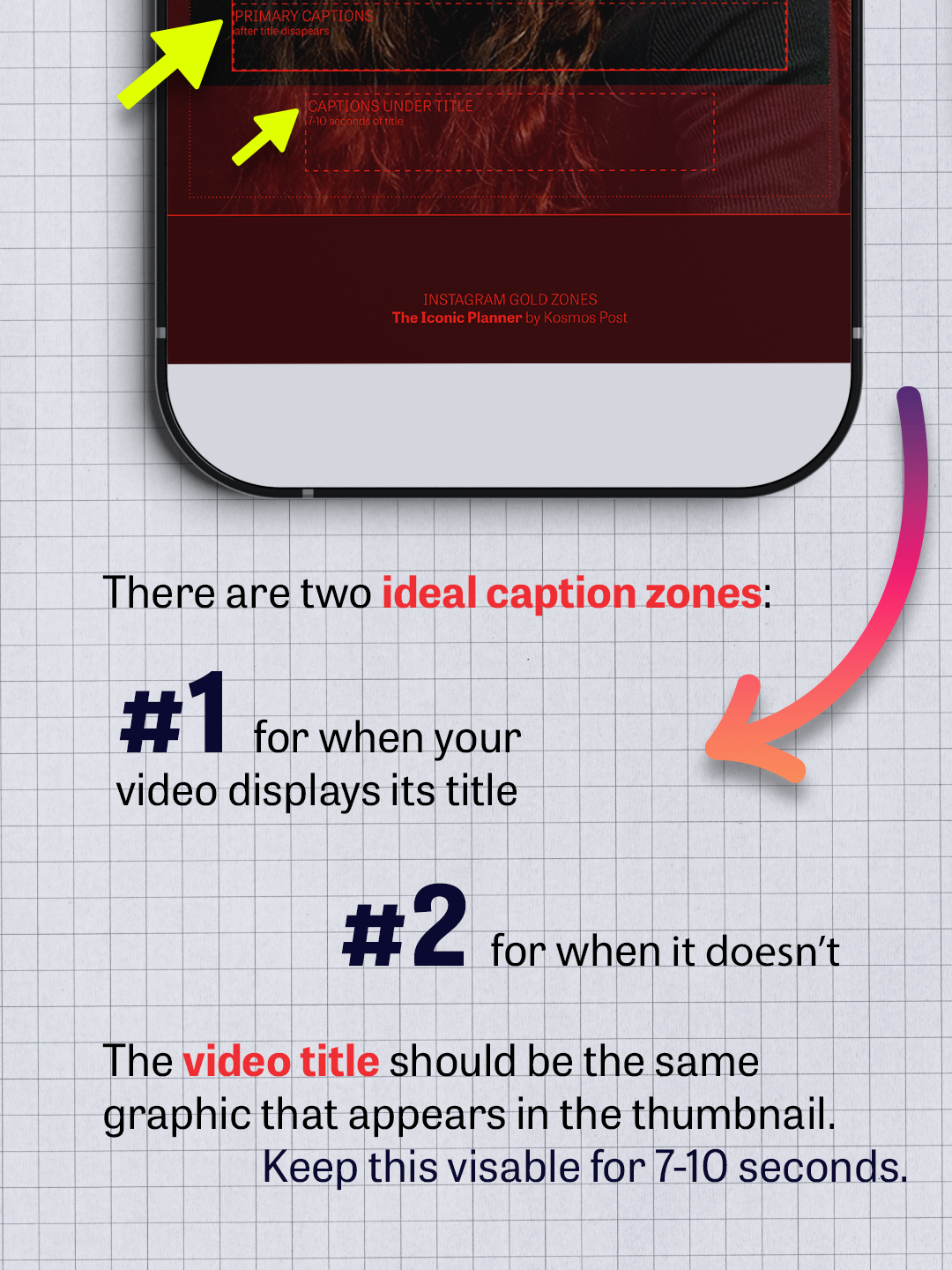
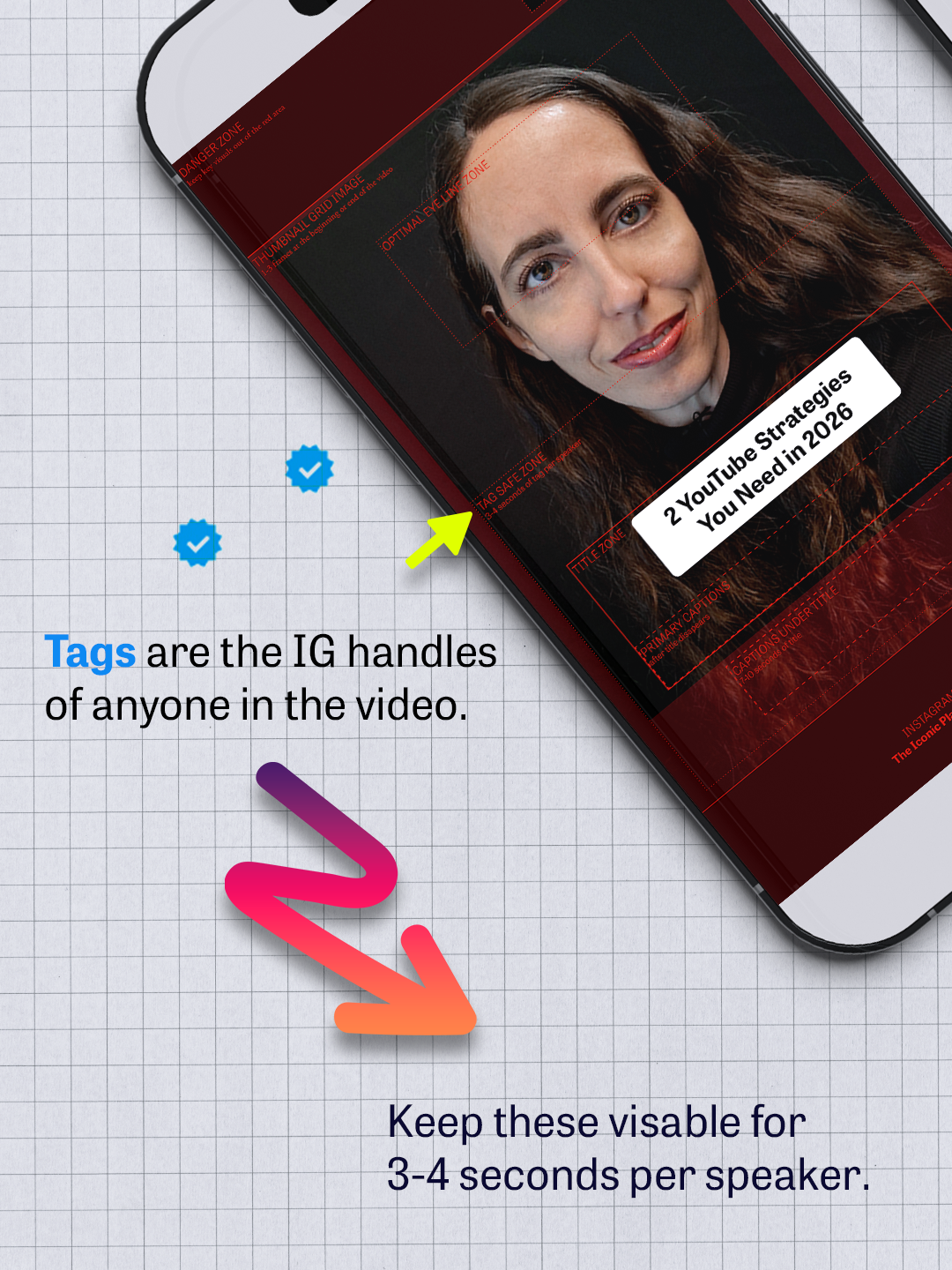
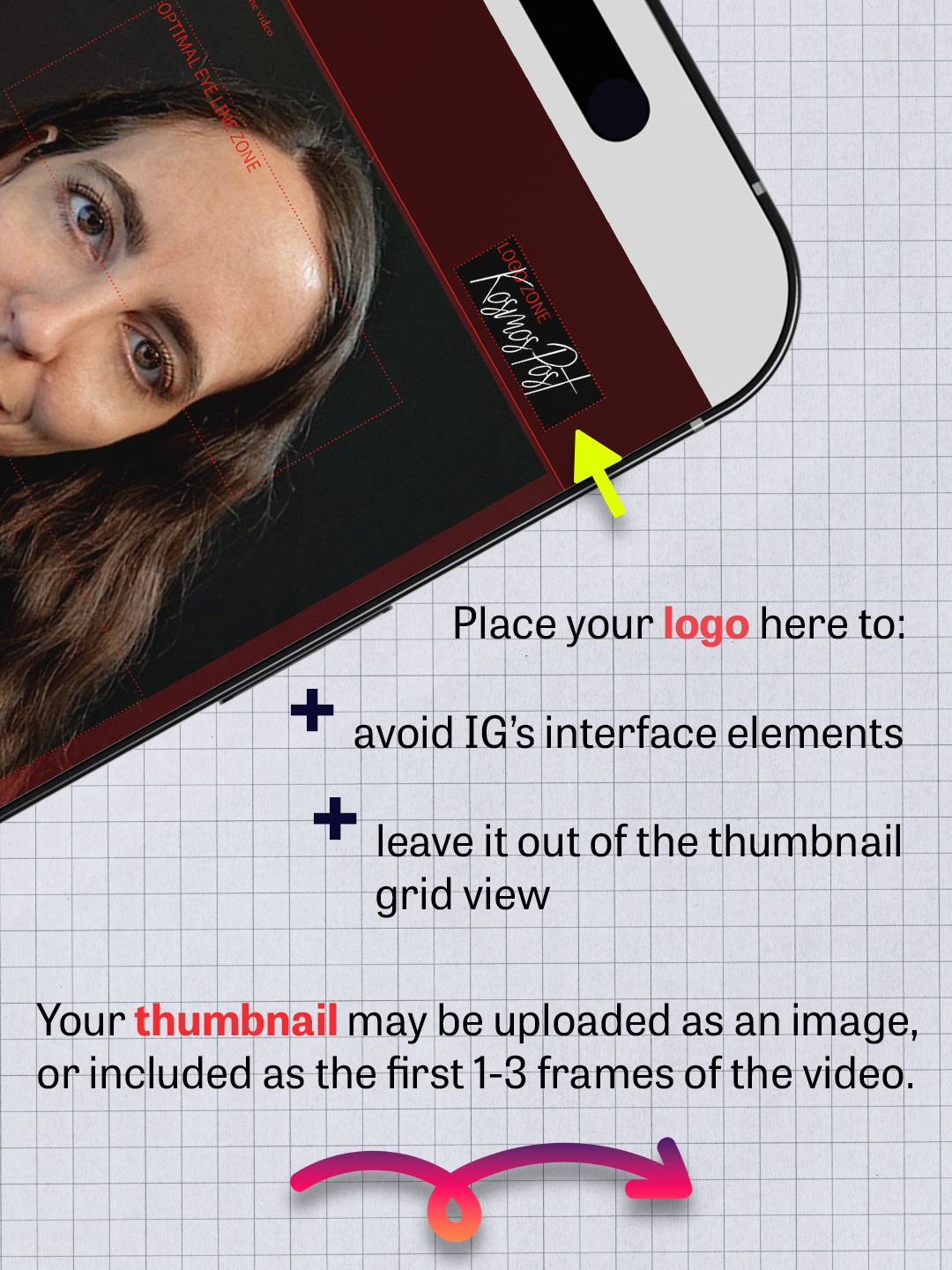
Step #6: Position your video and graphic elements using the template.
Step #7: Delete, mute, or otherwise hide the template so it is not visible in your final video.
Step #8: Export your video!
Meet the Creator
Kristen Goshorn is the founder of Kosmos Post, a post-production studio providing video editing services for Iconic Influencers and Industry Titans. Hundreds of millions of people have seen her work as a video editor, filmmaker, and content creator. Now, she's putting her decade of insider industry experience into your hands.
Are you ready to make videos that look amazing, get seen, and create wealth?
If you’re tired of feeling behind in your content creator journey, and you’re ready to start creating films and videos you’re truly proud of... This is for you!
"It's my mission to help you elevate every part of your creative workflow. This template is one of a series of free tools I'll be sharing with you as a thank-you for being a newsletter insider. I can't wait to share more with you, including our upcoming Kickstarter launch.
Let me know if you have any questions about the template. And enjoy!"